Basic Text · free to read, print and share
Find a Basic Text translation
27 translations in 25 languages. Each one shows its edition and whether people have already reviewed it.
Translations
4 human-reviewed translations are ready to print and share as a gift. The others were created with AI and still need a native speaker to review them: you can read them now, and you can help improve them.
- العربيةArabic
- বাংলাBengali
Printing notes
Page numbers use Bengali digits. If you print it, this helps place pages on the left or right:
- ১ = 1
- ২ = 2
- ১০ = 10
- ১২ = 12
- češtinaCzech
- danskDanish
- Nederlands (Vlaams)Dutch (Flemish)
- suomiFinnish
- FrançaisFrench
- DeutschGerman
- ελληνικάGreek
- עִברִיתHebrew
- magyarHungarian
- Bahasa IndonesiaIndonesian
- ItalianoItalian
- 日本語Japanese
- lietuviųLithuanian
- polskiPolish
- Português (Brasileiro)Portuguese (Brazil)
- Português (Portugal)Portuguese (Portugal)
- românăRomanian
- РусскийRussian
- РусскийRussian
- РусскийRussian
- EspañolSpanish
- KiswahiliSwahili
- svenskaSwedish
- TürkçeTurkish
- українськаUkrainian
Printed and shared as gifts
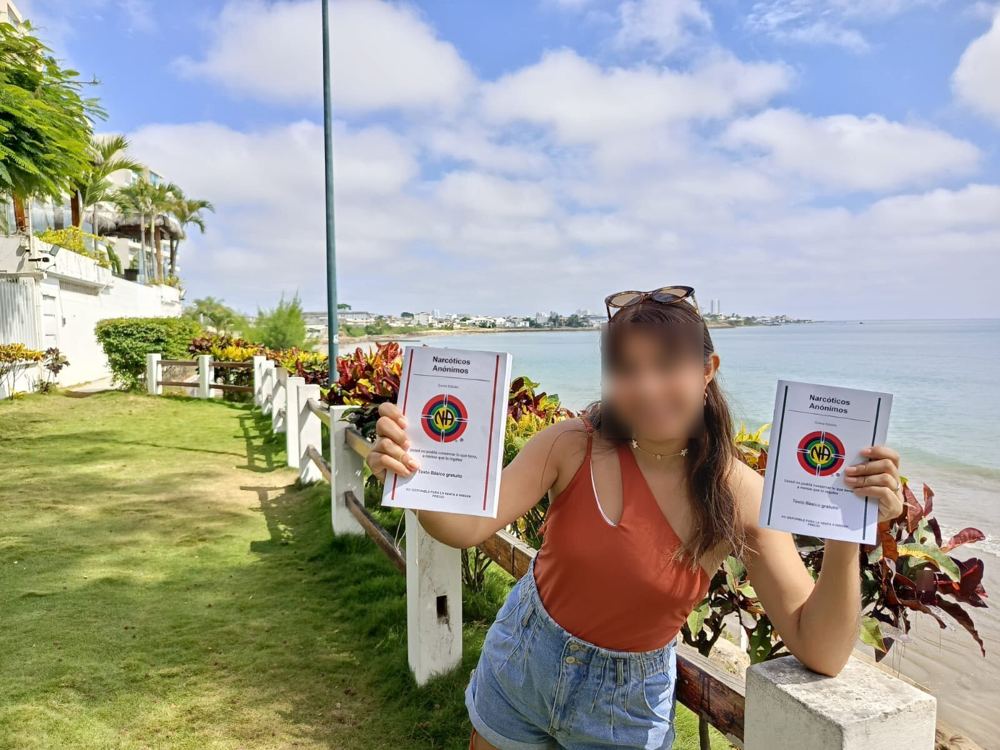
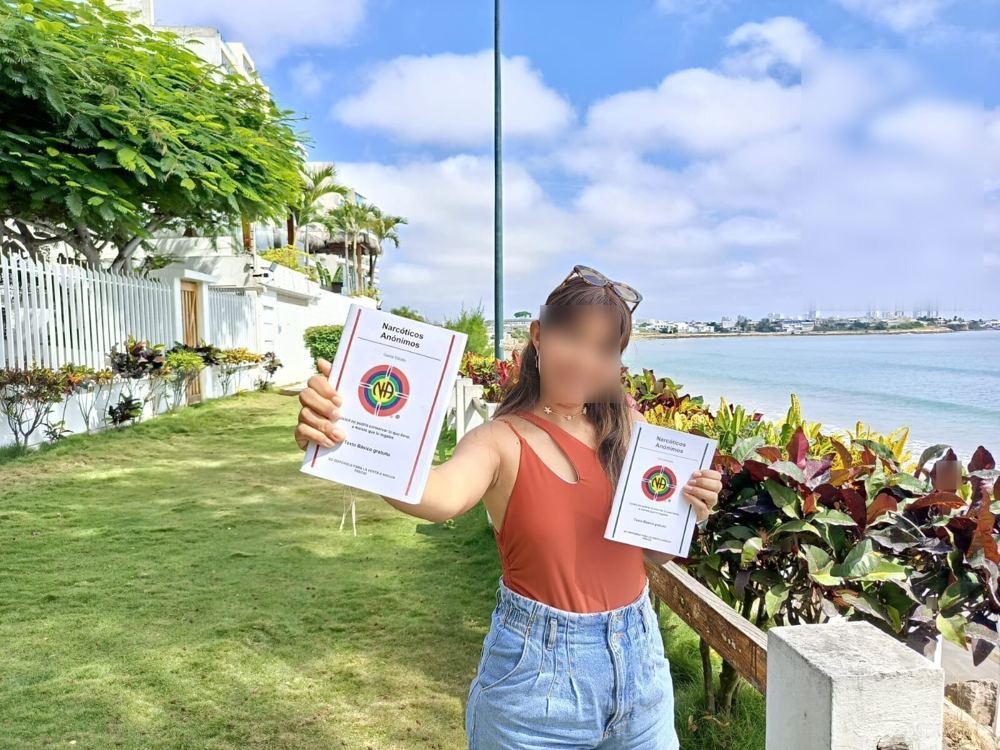
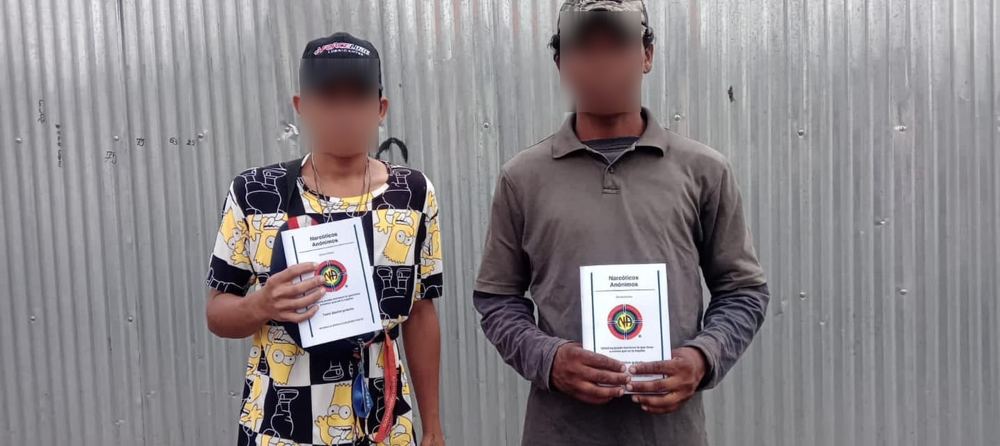
These translations are meant to be downloaded, printed and given away. Here are some of the copies that have already reached people’s hands. Faces are blurred to protect everyone’s anonymity.












Contribute a translation
Reviewed a translation, or made a new one? Send it to us as a PDF.
- Save your file as PDF. For example:
My_Translation.pdf - Email it to us as an attachment (the paperclip 📎 button in any email app).
- Add a short note with the language and edition, then send. That’s it.
Help
The document won’t open or download
Try a different browser such as Chrome, Firefox or Safari. Documents open in Google Drive or Google Docs and do not need a Google account.
I can’t find the file I downloaded
Look in the “Downloads” folder on your computer, or in the “Files” app on your phone.
Problems printing
On a computer, save the file as PDF first and then print it. On a phone, use the built-in PDF print or share options. For Google Docs, choose File → Download → PDF document.